VR Distracted
Driving Simulator
A collaborative VR project built in Unity for Meta Quest, designed to give users an immersive look at the dangers of distracted driving through VR vehicle controls and cinematics.
This project is under NDA and the source code is not publicly available.
Meta Quest
Target platform
XR Toolkit
VR framework
Shader Graph
Custom effects
URP
Render pipeline
Overview
What It Is
A VR experience built in Unity for Meta Quest that places users behind the wheel of a car and challenges them to navigate traffic while facing realistic distractions. Designed to make the dangers of distracted driving feel real rather than theoretical.
The Goal
To support driver education programs by giving new drivers an immersive way to experience the dangers of distracted driving.
My Role
I've been responsible for all the core systems within the car. This includes building the VR vehicle controls, tutorial sequence, cinematic camera logic, and custom shaders.
Key Features
The systems I built and what makes each one interesting technically.
VR Car with Driving Functionality
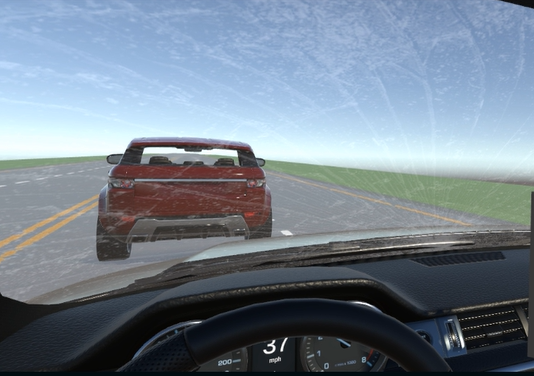
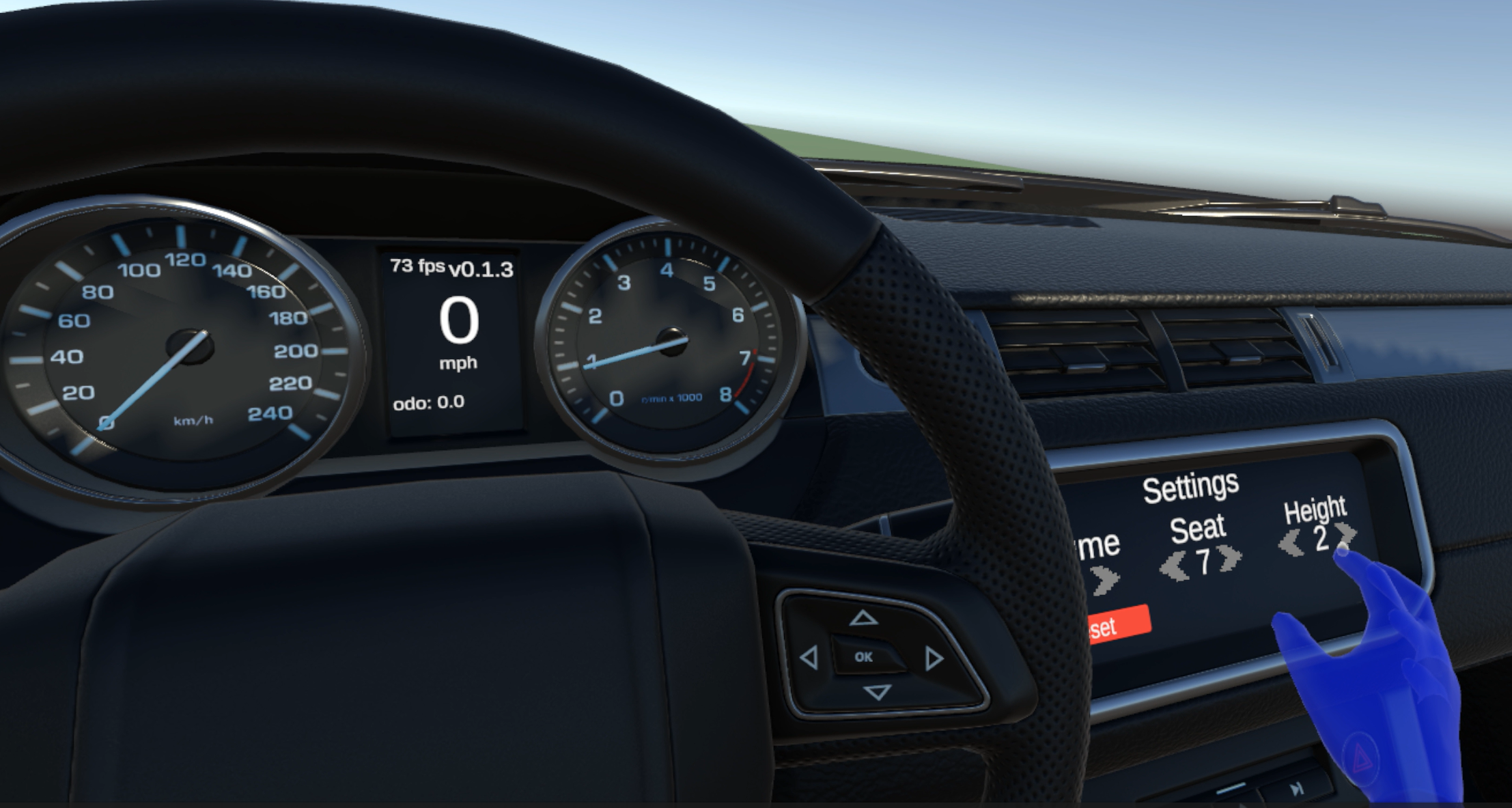
A fully functional VR vehicle built from the ground up for the Meta Quest. The car responds to the player's inputs via the Meta Quest controllers, which controls steering, throttle, and braking. Furthermore, the vehicle has been tuned to feel realistic without causing simulator sickness.
Tutorial Sequence
A short VR tutorial sequence that uses coroutines and line renderers to guide the player through the controls in a clean, intuitive way before putting them on the road.
Crash and Sound Effects
When the user crashes, a series of visual and audio cues drive home the consequences of distracted driving. Audio is handled through a custom singleton script that manages all sound in the scene, keeping it modular and easy to extend.
Fire Shader Effect
A custom fire shader built in Unity's Shader Graph to sell the aftermath of the collision. The effect uses scrolling noise textures paired with a custom sequencing script that gradually grows the fire until it peaks.
Replay Crash
A custom replay crash system that works by recording the positional and rotational data of all cars in the scene. Once the player crashes, it saves the first and last 5 seconds of the crash and allows the user to view it from different camera angles.